CrystalDiskMark herunterladen
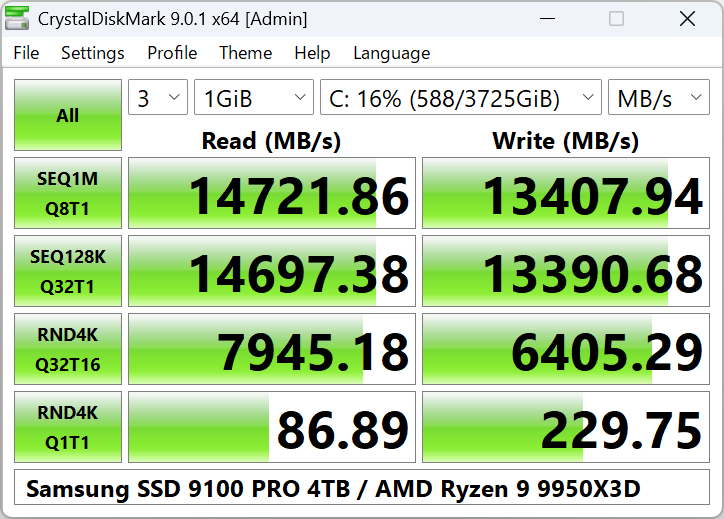
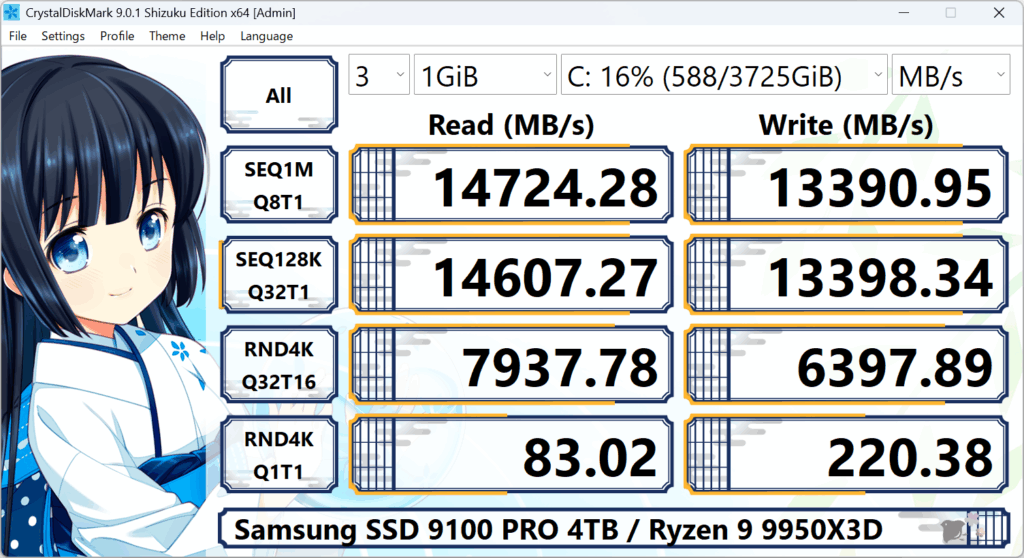
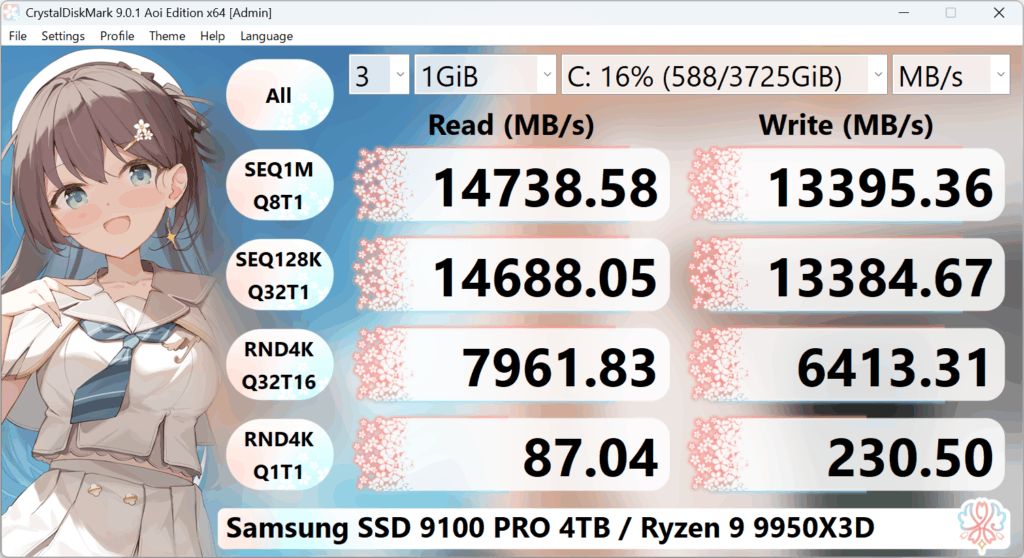
CrystalDiskMark 9.0.2 (Februar 2026). Wählen Sie eine Edition und laden Sie den Installer oder die ZIP-Datei herunter. Alle Editionen nutzen die gleiche Benchmark-Engine und liefern die gleichen Ergebnisse – nur das Erscheinungsbild (Themes) unterscheidet sich.
Installer versions may show ads to support development; ZIP versions are portable and can be run from a folder or USB drive without installing. For an ad-free experience, use the ZIP edition.
System Requirements
| OS | Architecture |
|---|---|
| Windows XP / Vista / 7 / 8 / 8.1 / 10 / 11 Windows Server 2003 / 2008 / 2012 / 2016 / 2019 / 2022 / 2025 |
x86, x64, ARM64 |
- • Not supported: Windows 95 / 98 / Me / NT4 / 2000.
- • Installer and x64 version do not support Windows XP/2003 (NT5.x).
Install & Uninstall
ZIP Edition
Install: Uncompress the ZIP into any folder.
Update: Uncompress into the folder of the previous version.
Uninstall: Delete the installed files.
Installer Edition
Install / Update: Run the installer.
Uninstall: Use Add or Remove Programs (Programs and Features). All settings are removed. With /SILENT or /VERYSILENT, uninstaller also deletes settings and log files.
Which Edition Should I Choose?
Functionally, all three editions (Standard, Shizuku, Aoi) are identical. The only difference is the user interface theme and visuals.
- Standard – Classic, neutral look. Best if you want a traditional benchmark tool appearance.
- Shizuku – Alternative themes (e.g. character-style). Same benchmarks, different visuals.
- Aoi – Another set of themes. Same benchmarks again; pick based on which look you prefer.
You can install more than one edition side by side if you want to try different themes.
Installer vs ZIP (Portable)
Installer
Adds shortcuts, registers with Windows, and can be uninstalled via Settings. May include ads to support the developer. Good if you want a normal “installed app” experience.
ZIP (Portable)
No installation: extract and run the executable. Ideal for USB sticks, temporary use, or multiple PCs. No ads. Settings are stored in the program folder (or user profile depending on version).
Download Safety
Download only from trusted sources. Builds are digitally signed so you can verify they have not been modified.